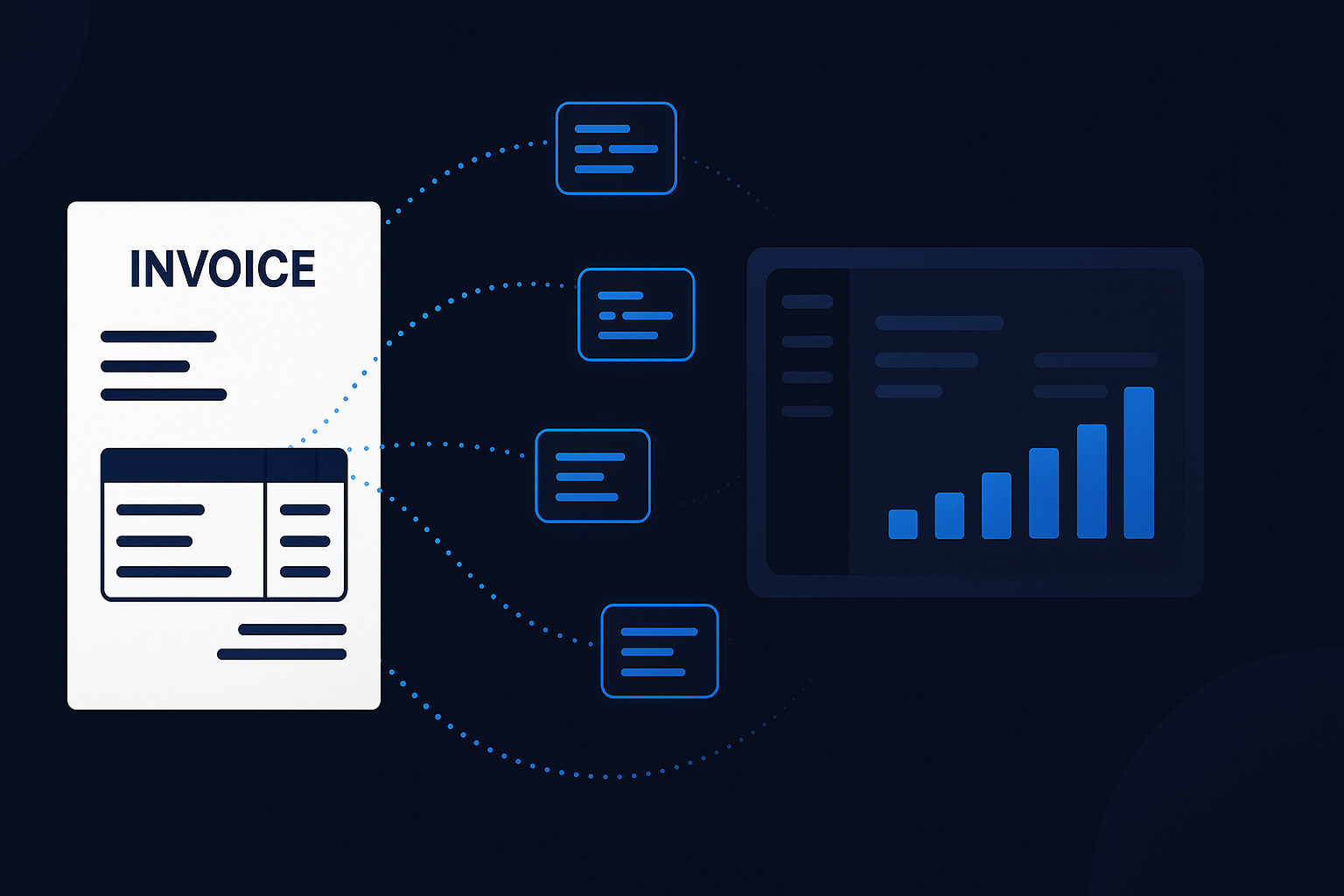
If your invoice process still involves opening a PDF, squinting at the totals, and typing everything into Xero by hand, there is a better way to spend your time.
Manual supplier invoice entry is one of those jobs that feels small until you add it up across a month. A few minutes here, a few minutes there, a few avoidable mistakes, a few missing invoices, and suddenly the books are behind again.
For bookkeepers and small businesses, the real problem is not just the typing. It is the knock-on effect:
- Bills arrive late in Xero so cash flow visibility is weaker than it should be.
- Bank reconciliation takes longer because the bill is not there when the payment hits the feed.
- Errors creep in through wrong dates, wrong VAT, duplicate entries, or supplier names that do not match properly.
- Month-end becomes a cleanup exercise instead of a review process.
The fix is not complicated. You need a reliable way to get supplier invoices into Xero quickly, consistently, and without depending on somebody remembering to type them all up.
What "Importing Supplier Invoices" Actually Means
In practice, this means taking a supplier invoice from email, PDF, scan, or photo and turning it into a draft bill in Xero with the right core data already populated.
That usually includes:
- supplier name
- invoice number
- invoice date
- due date
- net amount
- VAT amount
- gross amount
- line items or summary description
- account code or category where possible
At the basic end, this can mean uploading data from a spreadsheet or entering it manually from a document.
At the better end, it means the invoice is captured automatically from the original file and pushed into Xero with minimal human handling.
That is the difference between data entry and workflow automation.
Why Manual Entry Causes More Problems Than People Admit
Typing invoices into Xero is not just slow. It also creates hidden friction elsewhere.
1. The bill is missing when you need it
A supplier gets paid, the bank feed updates, and there is nothing in Xero to match against because the invoice is still sitting in somebody's inbox.
That turns a quick reconciliation task into detective work.
2. People rush the boring bits
Nobody does their best work while copying invoice fields from a PDF for the fourteenth time that day. That is when invoice numbers get mistyped, VAT gets entered wrongly, and duplicates appear.
3. The process depends on one person remembering everything
If one administrator, finance assistant, or business owner is the bottleneck, the whole process becomes fragile. Illness, holidays, or simple overload are enough to knock it behind.
4. Approval and payment workflows stay messy
If the bill is not in Xero promptly, nobody can review it, approve it, or plan payment properly. A slow input process creates downstream chaos.
The Best Way to Get Supplier Invoices into Xero
For most small businesses and bookkeeping teams, the best workflow looks like this:
Step 1: Capture the invoice at source
As soon as the supplier invoice arrives, it should go into one standard input route.
That might be:
- a dedicated accounts email inbox
- an upload form
- a forwarding address
- a shared folder used consistently
The important part is not the exact method. It is consistency.
If invoices arrive through six different channels, you do not have a process. You have a scavenger hunt.
Step 2: Extract the invoice data automatically
This is where automation starts saving real time.
A decent invoice capture system should read the source document and pull out the important fields without someone typing them line by line.
That includes handling:
- PDF invoices
- emailed attachments
- scanned documents
- phone photos where necessary
- different supplier layouts
- VAT amounts and totals
- duplicate detection
Basic OCR can help, but modern AI extraction tends to cope much better with messy formats, inconsistent supplier templates, and real-world documents that were clearly designed by somebody who hates accounting staff.
Step 3: Push the result into Xero as a draft bill
Once extracted, the invoice should land in Xero ready for review.
That means:
- the supplier is matched or created correctly
- the key dates are populated
- totals are already filled in
- the source document is attached where possible
- the bill enters the normal approval workflow
That is the point where human attention is useful. Not at the copying stage, at the review stage.
Step 4: Reconcile against the bank feed faster
Once the bill is already in Xero, the bank reconciliation step becomes easier. When the supplier payment appears, Xero has something to match it against.
That is one of the biggest practical benefits of better invoice import. It improves more than one part of the bookkeeping process.
Common Ways Businesses Import Invoices into Xero
There are a few ways people try to solve this.
Manual entry
This works, in the same sense that carrying bricks by hand works. It is possible. It is just not a good use of a human being.
CSV import
Useful in some cases if invoice data already exists in structured form, but that is often not where small businesses start. If the source is a PDF in an inbox, CSV import does not remove the extraction problem.
Xero add-ons and capture tools
These are usually the most practical route. The right tool can take the original invoice file, extract the data, and post it into Xero with much less admin.
The important question is not whether it has "AI" on the label. The important question is whether it actually reduces errors and saves time in your workflow.
What Good Invoice Import Looks Like
A healthy process usually has these characteristics:
- invoices forwarded or uploaded the day they arrive
- one standard intake route
- data extracted automatically from the document
- supplier matching handled consistently
- draft bills created quickly in Xero
- documents retained against the accounting record
- humans reviewing exceptions, not typing everything
If that is not your current setup, there is probably a lot of avoidable admin still sitting in the process.
What to Watch Out For
Not all automation is equally useful.
Be cautious of any setup that still leaves you doing most of the work manually after the "import" step. Common disappointments include:
- poor extraction accuracy on real supplier invoices
- weak VAT handling
- duplicate bills slipping through
- no clear review flow
- broken supplier matching
- staff continuing to send invoices in random ways
A bad automation layer can be worse than none, because it creates false confidence and still leaves a mess behind it.
Where Drakon Fits
Our AI Invoice Importer is built for exactly this problem.
The goal is simple: take supplier invoices in the formats businesses actually receive, extract the useful fields, and get them into your bookkeeping workflow faster, with less typing and less avoidable error.
That matters if you are:
- a bookkeeper managing multiple clients
- a finance admin trying to keep month-end under control
- a small business owner buried under supplier emails
- an accountant trying to clean up poor source processes upstream
It is not about making bookkeeping magical. It is about removing the repetitive part so the useful part gets done sooner.
Final Thought
If your team is still entering supplier invoices into Xero by hand, you are paying for the same work twice: once in admin time, and again later in reconciliation delays, cleanup, and preventable mistakes.
A better invoice import workflow gives you faster books, cleaner records, and less month-end friction.
That is not glamorous. It is just operationally sane.
Drakon Systems builds practical automation tools for UK accountants, bookkeepers, and small businesses, including free finance tools and the AI Invoice Importer.